

How It Works
How Pumpkin works
Pumpkin is a Family Operating System. Kids build real life skills through the things your family already does, then earn rewards that actually motivate them. Here's the whole system in one place.
Every family already runs on chores, routines, homework, and the odd bribe for good behavior. Pumpkin turns that everyday reality into one clear system: kids see what to do, do it, and earn a reward they care about. No bank account, no debit card, and no nagging. The two halves below - what kids do and how kids earn - are the whole idea.
What kids do
The things your family already does
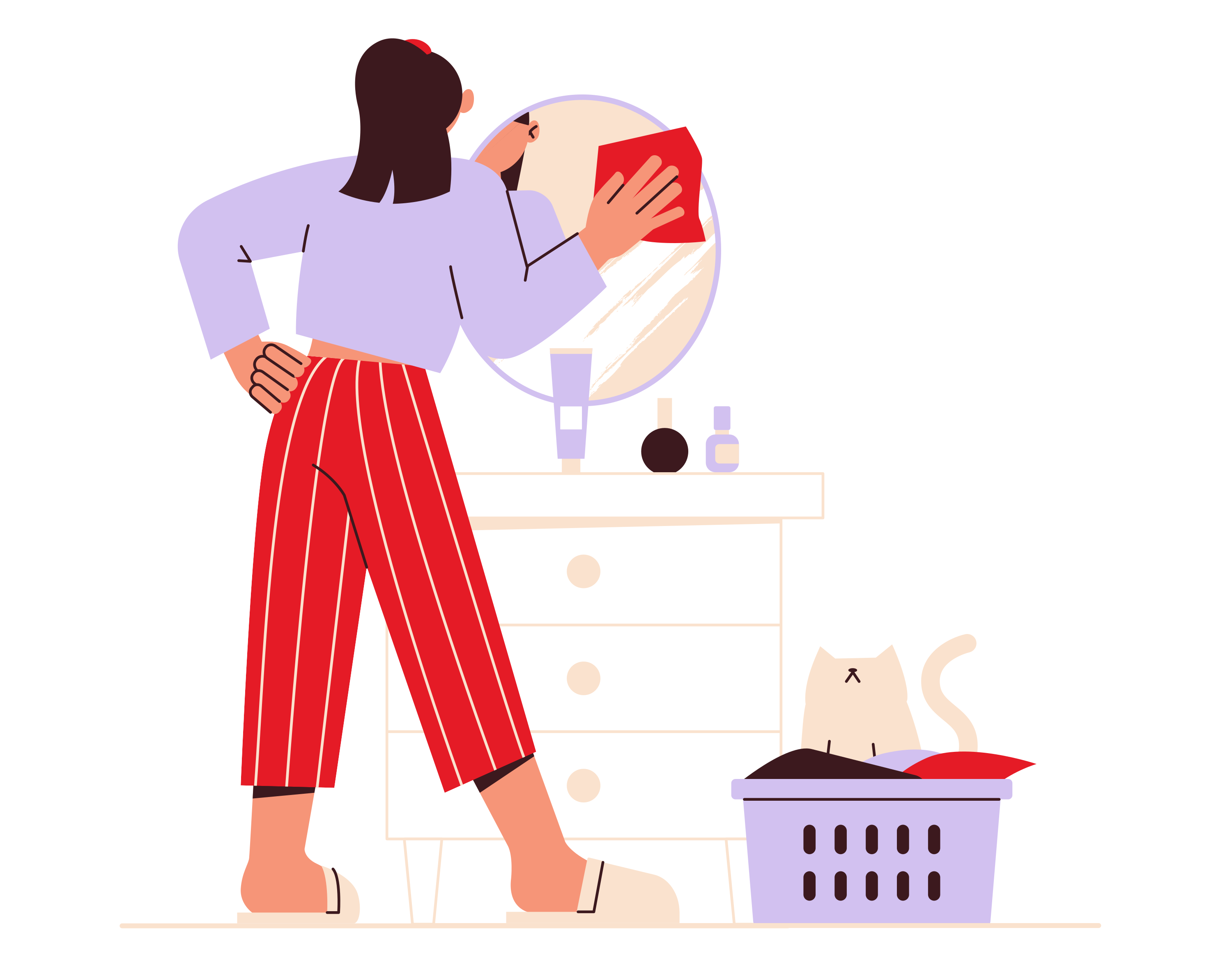
Chores
Age-appropriate tasks, from making beds to doing dishes. Set a chore once and it repeats on the schedule you choose, so kids always know what's expected without being reminded.
See chores by age
Habits
Daily routines that stick, like brushing teeth, washing hair, and tidying up. Streaks make consistency visible, turning small repeated actions into habits that last.

Academics
Homework tracking, reading goals, and study streaks. Pumpkin brings schoolwork into the same system as chores, so effort in every part of life gets recognized.

Activities
Sports, music, art, and the hobbies they love. Track practice and participation so kids build follow-through on the things that matter to them, not just the household to-do list.

Set Goals
Dream big with savings targets, grade goals, and personal milestones. Goals turn everyday effort into progress kids can see and work toward over time.
How kids earn
Rewards that fit your family

Points & Stars
Stars for little ones, points for big kids: progress they can see. A simple, motivating currency that works at any age, no money required.

Screen Time
Gaming, YouTube, and tablet time, earned rather than simply given. Kids earn minutes by completing tasks and learn to budget the thing they care about most.
How screen-time rewards work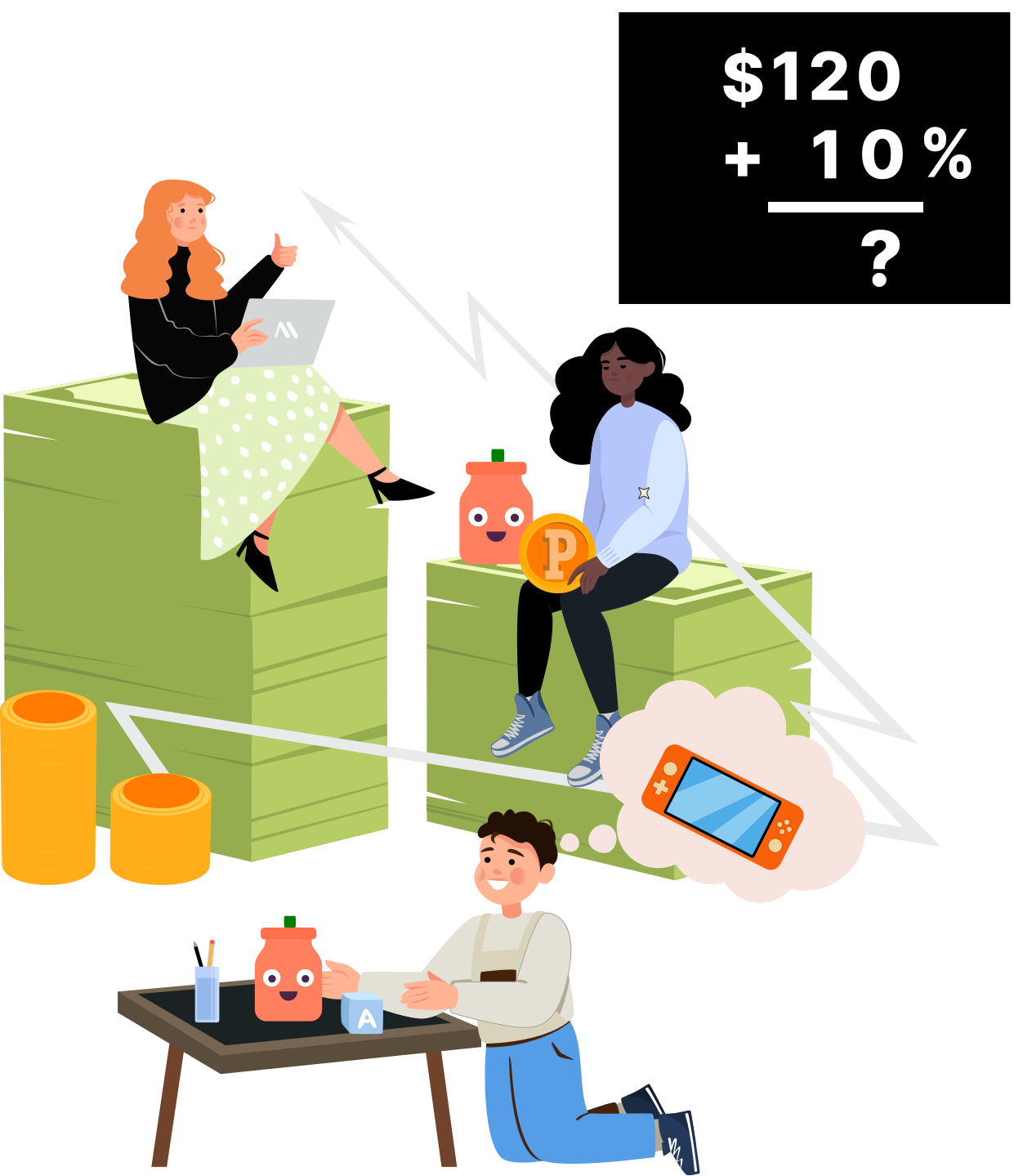
Money
Real savings goals with real progress tracking, no bank account or debit card required. Parents stay in control of any real money involved.
Teach money without a card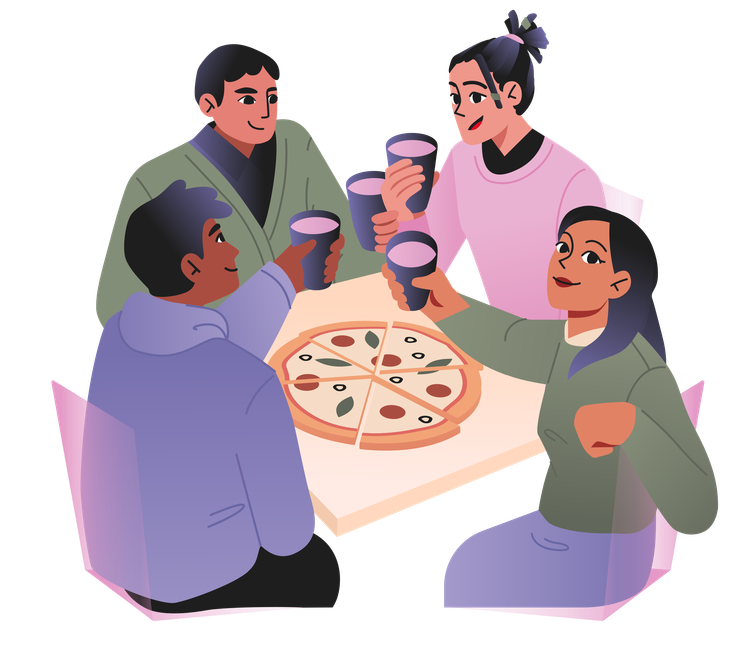
Treats & Experiences
Pizza night, ice cream runs, movie outings: the fun stuff. Reward effort with experiences your family already loves, whatever motivates your child.
Money is just one option, never the whole point. Most families mix currencies - stars for a preschooler, screen time for a grade-schooler, a savings goal for a tween - and Pumpkin adapts to each child's age automatically.
How does the Pumpkin app work, step by step
Five steps, once, at the kitchen table. After that the app runs the loop.
- Add your kids. Name and age, up to six of them. Pumpkin picks the right age band automatically, so a five-year-old sees pictures and voice prompts and an eleven-year-old sees points and a savings goal.
- Build the chore chart. Add chores and routines and set each one to repeat on the days you choose. On a custody week you schedule to the days your child is with you, and pause the rest.
- Decide what each one pays. Screen-time minutes, points, stars, a treat, or real money. Most families mix them. No bank account and no debit card are involved.
- Kids tick things off. They see what is theirs today, mark it done, and the reward lands in their wallet. You decide, chore by chore, whether one needs your approval first. Turn it on for the jobs worth checking and leave it off for the rest, so the system does not hand you a queue to work through every evening.
- They spend it, or save toward something. Minutes come out of the Screen Time Bank, points buy things you have stocked in the Rewards Shop, and bigger goals fill up over weeks.
Same loop whether your child is four or fourteen. If you want to go deeper on a specific piece, start with screen time as a currency, our chores-by-age chart, or see how Pumpkin compares in the best chore apps for kids roundup.
Frequently asked

See the whole system in your own family.
Pumpkin is live on iOS. Start with a 7-day free trial on the annual plan.
No bank account required · No ads, ever · COPPA-compliant